- Do I need a separate survey for every documentation page?
- No. Reuse one survey ID in your shared docs layout template. tinyDialog automatically attaches window.location.href as the response URL, and you can add structured article, section, or version metadata with the JavaScript SDK.
- Can I ask a follow-up question when a reader clicks “No”?
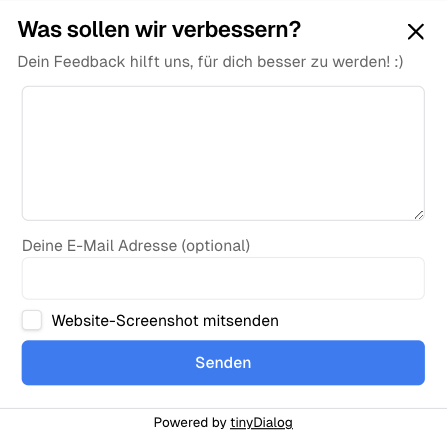
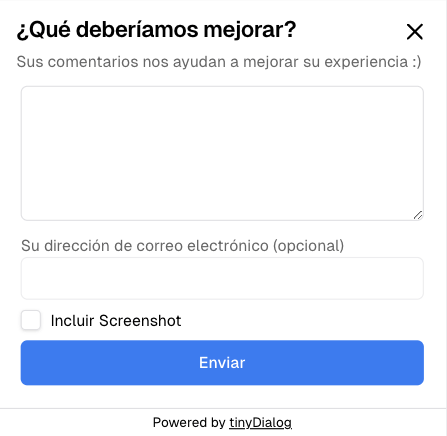
- Yes. You can either embed a Text Input survey directly under the article, or wire custom Yes/No buttons to submitFeedback() and call showWidget() to open a text follow-up survey only when someone votes “No.”
- Does the “Was this page helpful?” widget work with Docusaurus, Fumadocs, VitePress, or Nextra?
- Yes. The browser script listens for client-side navigation, and in React or Vue docs frameworks you can key the container by the current pathname or call loadSurvey() on route change so every page records its own URL.
- Will a documentation feedback widget slow down our docs pages?
- No. The script loads asynchronously as a non-blocking ES module and renders the form inside an isolated iframe, so it does not block initial rendering or clash with your documentation CSS.
- How do we stop bots from spamming page-helpfulness votes?
- Turn on Cloudflare Turnstile in your survey customization settings alongside built-in rate limits. Note that Turnstile applies to embedded widgets; programmatic submitFeedback() calls require captcha to be disabled on that survey.
- How can our team review results without checking another dashboard every day?
- Forward new responses to Slack, Discord, Airtable, n8n, or any webhook endpoint under Setup & Connections, enable email summaries, export CSV files for spreadsheet pivots, or pull JSON and RSS feeds from the Responses API.